> ## Documentation Index
> Fetch the complete documentation index at: https://developers.getswipe.in/llms.txt
> Use this file to discover all available pages before exploring further.
# Payments
> Record customer payments and settle them against documents.
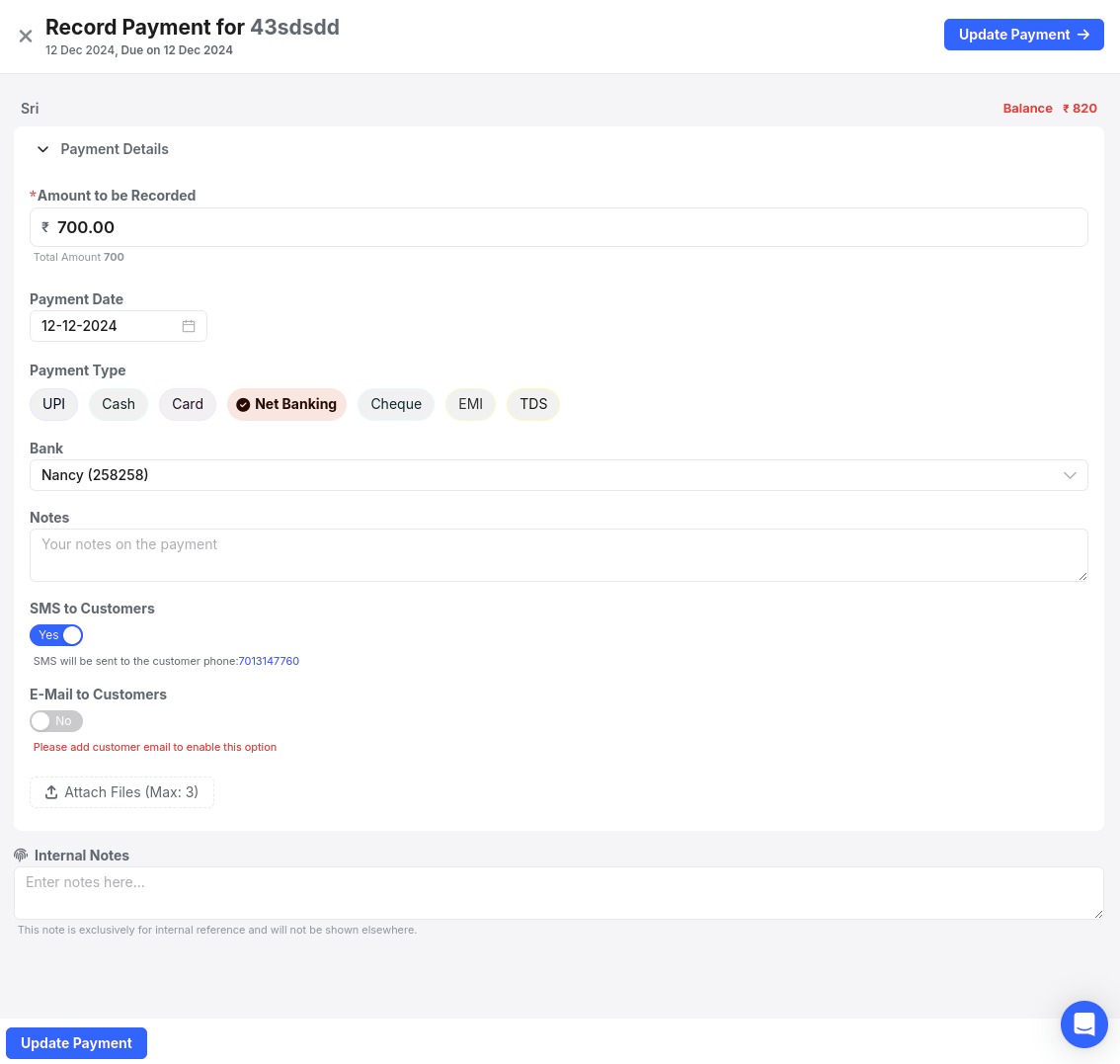
Payments record money received from a customer. A payment belongs to a customer, and can settle one or more of that customer's [documents](/document) — fully or partially.
## Record a payment
[`POST /v2/payment`](/api-reference/payment-v2/record-payment) needs four things: the customer, an amount, a date, and a payment mode. Add a `documents` array to settle specific invoices by `hash_id`:
```bash theme={null}
curl --request POST \
--url https://app.getswipe.in/api/partner/v2/payment \
--header "Authorization: Bearer YOUR_API_KEY" \
--header "Content-Type: application/json" \
--data '{
"customer": "CUST001",
"amount": 118.0,
"payment_date": "26-08-2026",
"payment_mode": "UPI",
"documents": [
{ "hash_id": "PUlgCNPb", "amount_paying": 118.0 }
]
}'
```
* `payment_mode` — one of `Cash`, `Cheque`, `UPI`, `Card`, `Net Banking`, `paylater`, `cardless_emi`, `EMI`, `TDS`, `Credits`
* `documents` — optional; each entry pairs a document `hash_id` with the `amount_paying` toward it. Partial amounts are fine — the document's payment status tracks what's outstanding.
* `send_sms` / `send_email` — notify the customer about the recorded payment
* Non-cash modes need a bank account configured on your Swipe account — otherwise the request fails with `MISSING_BANK_ACCOUNT`
Payments and balances also flow into each customer's [payment ledger](/api-reference/customer-v2/get-payment-ledger).
 ## Endpoints
Record a payment and settle documents.
List recorded payments over a date range.
## Endpoints
Record a payment and settle documents.
List recorded payments over a date range.