> ## Documentation Index
> Fetch the complete documentation index at: https://developers.getswipe.in/llms.txt
> Use this file to discover all available pages before exploring further.
# Products
> Manage your item catalog - products and services, pricing, taxes, and units.
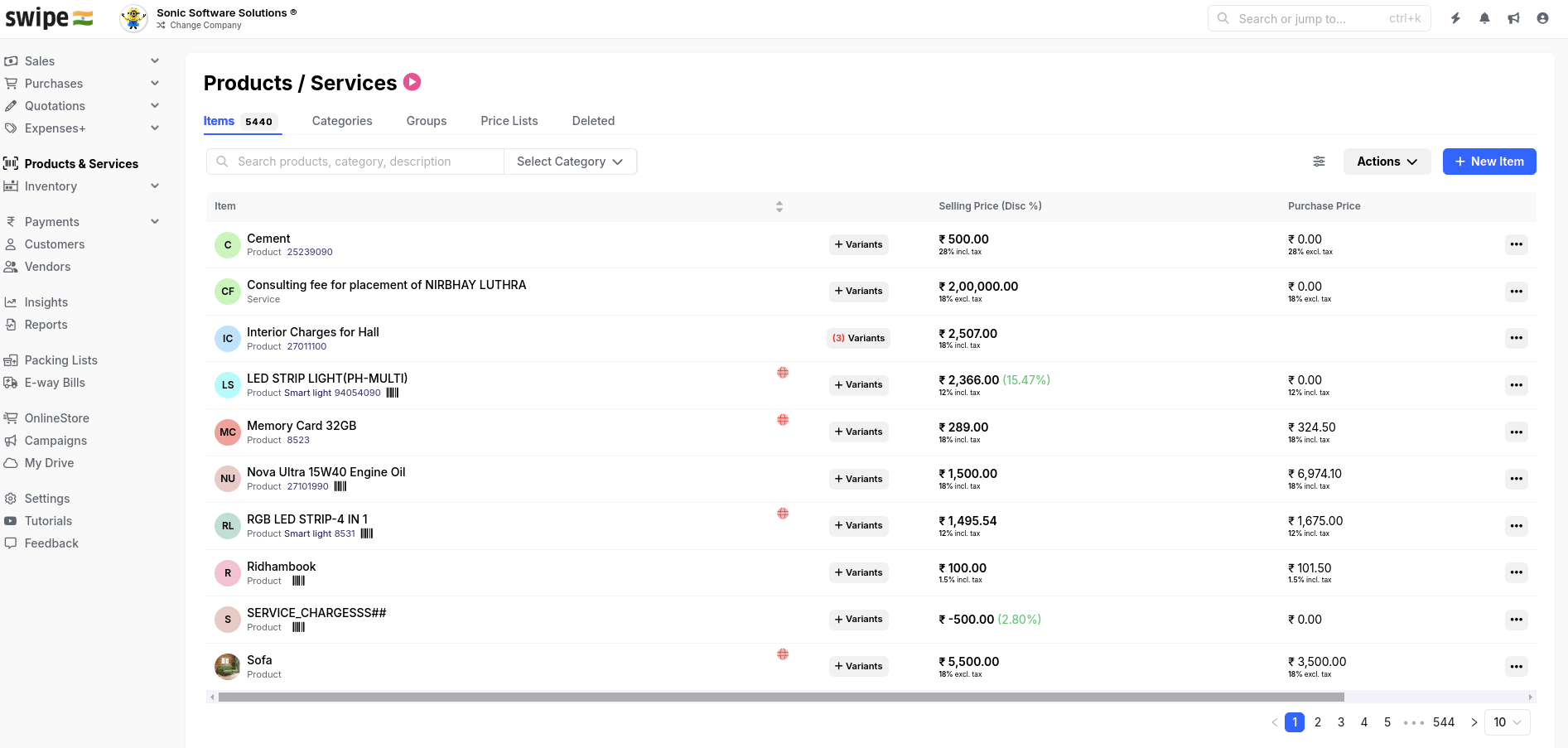
Products (items) are what you sell and buy. They appear as `items` on every [document](/document), and stocked products are tracked by [Inventory](/inventory).
## The item model
Items use the same ID model as [customers](/customer): every call carries **your** `item_id`, unknown IDs are auto-created (including inline during document creation), and [Update items mapping](/api-reference/product-v2/update-items-mapping) re-links your IDs in bulk if they change.
The fields that matter most:
* `item_type` — `Product` (stocked, tracked by inventory) or `Service`
* `unit_price`, `tax_rate`, `price_with_tax` — pricing with GST; only valid GST tax rates are accepted
* `hsn_code` — the HSN/SAC code that GST compliance (and e-invoicing) relies on
* `unit` — a GST-approved UQC unit such as `kg`, `pcs`, `mtr`
## Add an item
```bash theme={null}
curl --request POST \
--url https://app.getswipe.in/api/partner/v2/product \
--header "Authorization: Bearer YOUR_API_KEY" \
--header "Content-Type: application/json" \
--data '{
"id": "ITEM001",
"item_type": "Product",
"name": "Test Product",
"unit_price": 100.0,
"tax_rate": 18.0,
"price_with_tax": 118.0,
"hsn_code": "8517",
"unit": "pcs"
}'
```
Item details sent inside a document apply to that document only — they never
overwrite the catalog record. To change the master record, use [Update an
item](/api-reference/product-v2/update-an-item).
 ## Endpoints
Create an item with your own ID.
Fetch one item by your `item_id`.
Change the catalog record.
Remove an item from the catalog.
Page through the catalog.
Re-link your IDs to Swipe records in bulk.
Tracking stock levels too? Continue to [Inventory](/inventory).
## Endpoints
Create an item with your own ID.
Fetch one item by your `item_id`.
Change the catalog record.
Remove an item from the catalog.
Page through the catalog.
Re-link your IDs to Swipe records in bulk.
Tracking stock levels too? Continue to [Inventory](/inventory).