> ## Documentation Index
> Fetch the complete documentation index at: https://developers.getswipe.in/llms.txt
> Use this file to discover all available pages before exploring further.
# Subscriptions
> Set up recurring invoices through the document API, then track them and their generated invoices.
A subscription generates invoices for a customer automatically on a schedule — daily, weekly, monthly, or yearly. Swipe creates each invoice when it falls due; you just define the schedule once.
## Create a subscription
There's no separate create-subscription endpoint — a subscription **is a document**. Call [Create a document](/api-reference/document-v2/create-a-document) with `document_type: "subscription"` and a `subscription_details` object describing the schedule:
```bash theme={null}
curl --request POST \
--url https://app.getswipe.in/api/partner/v2/doc \
--header "Authorization: Bearer YOUR_API_KEY" \
--header "Content-Type: application/json" \
--data '{
"document_type": "subscription",
"document_date": "26-08-2026",
"party": { "id": "CUST001", "type": "customer", "name": "Test Customer" },
"items": [
{
"id": "ITEM001", "item_type": "Service", "name": "Monthly Retainer",
"quantity": 1, "unit_price": 100.0, "tax_rate": 18.0,
"net_amount": 100.0, "price_with_tax": 118.0, "total_amount": 118.0
}
],
"subscription_details": {
"start_time": "01-09-2026",
"end_time": "01-09-2027",
"repeat": 1,
"repeat_type": "months",
"send_email": true
}
}'
```
* `repeat` + `repeat_type` — the cadence: every `1` × `months` above; `repeat_type` is one of `days`, `weeks`, `months`, `years`
* `start_time` / `end_time` — when the schedule runs, `DD-MM-YYYY`
* `send_email` / `send_sms` / `send_wtsp` — deliver each generated invoice to the customer automatically
Subscriptions must be enabled on your Swipe account — otherwise creation
fails with `SUBSCRIPTIONS_NOT_ENABLED`. Enable them in the [Swipe
dashboard](https://app.getswipe.in/list/subscriptions).
## Track subscriptions and their invoices
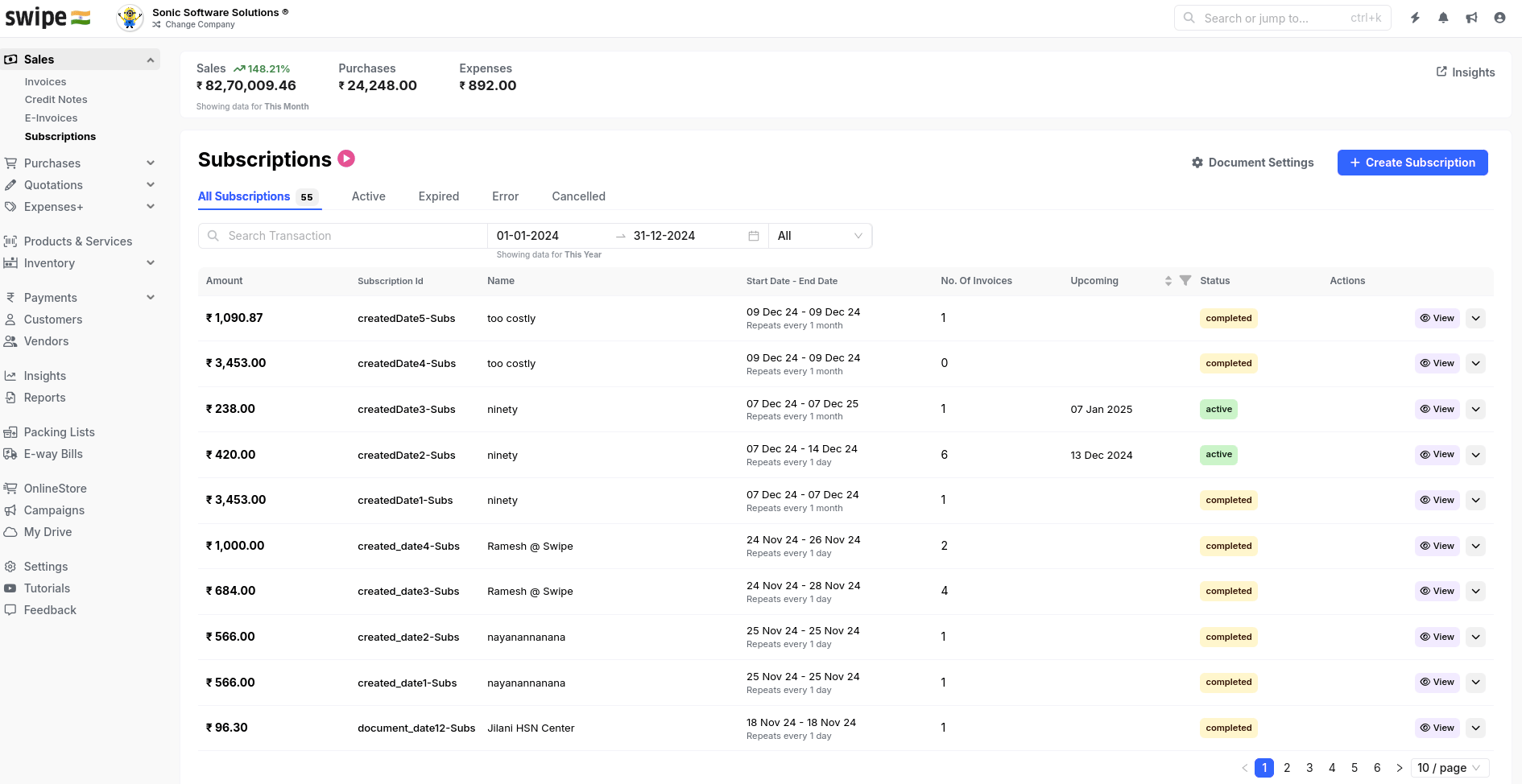
[List of subscriptions](/api-reference/subscriptions-v2/list-of-subscriptions) returns subscriptions over a date range, filterable by `status` and `customer_id`. Each entry's hash ID feeds [Get subscription details](/api-reference/subscriptions-v2/get-subscription-details), which includes the invoices generated so far. The generated invoices are ordinary [documents](/document) — fetch their PDFs and record [payments](/payment) against them as usual.
 ## Endpoints
Filter by date range, status, and customer.
One subscription with its generated invoices.
## Endpoints
Filter by date range, status, and customer.
One subscription with its generated invoices.