

Before you start
1
Enable the plan
E-way bill APIs need the E-Invoices & EwayBills plan on your account.
Mail api@getswipe.in for a trial and integration support.
2
Connect to the e-way bill portal
Open E-way bills in your dashboard and click
Connect to E-way Bill Portal.
3
Know which government portal you're on
By default the API points to the Government sandbox portal — generated
bills aren’t legally valid until you switch. Mail
api@getswipe.in to connect to the production portal.
Generate an e-way bill
CallPOST /v2/ewaybill/{doc_hash_id} with the document’s hash_id (from document creation) and the transport details. The required fields are supply_type, sub_supply_type, transport_mode, transporter_doc_date, and the dispatch_from / dispatch_to addresses; vehicle and transporter details complete the bill:
PORTAL_ERROR_{code} — see Error codes for how to look them up.
Download the PDF
GET /v2/ewaybill/pdf/{doc_hash_id} returns the e-way bill PDF for the same doc_hash_id.
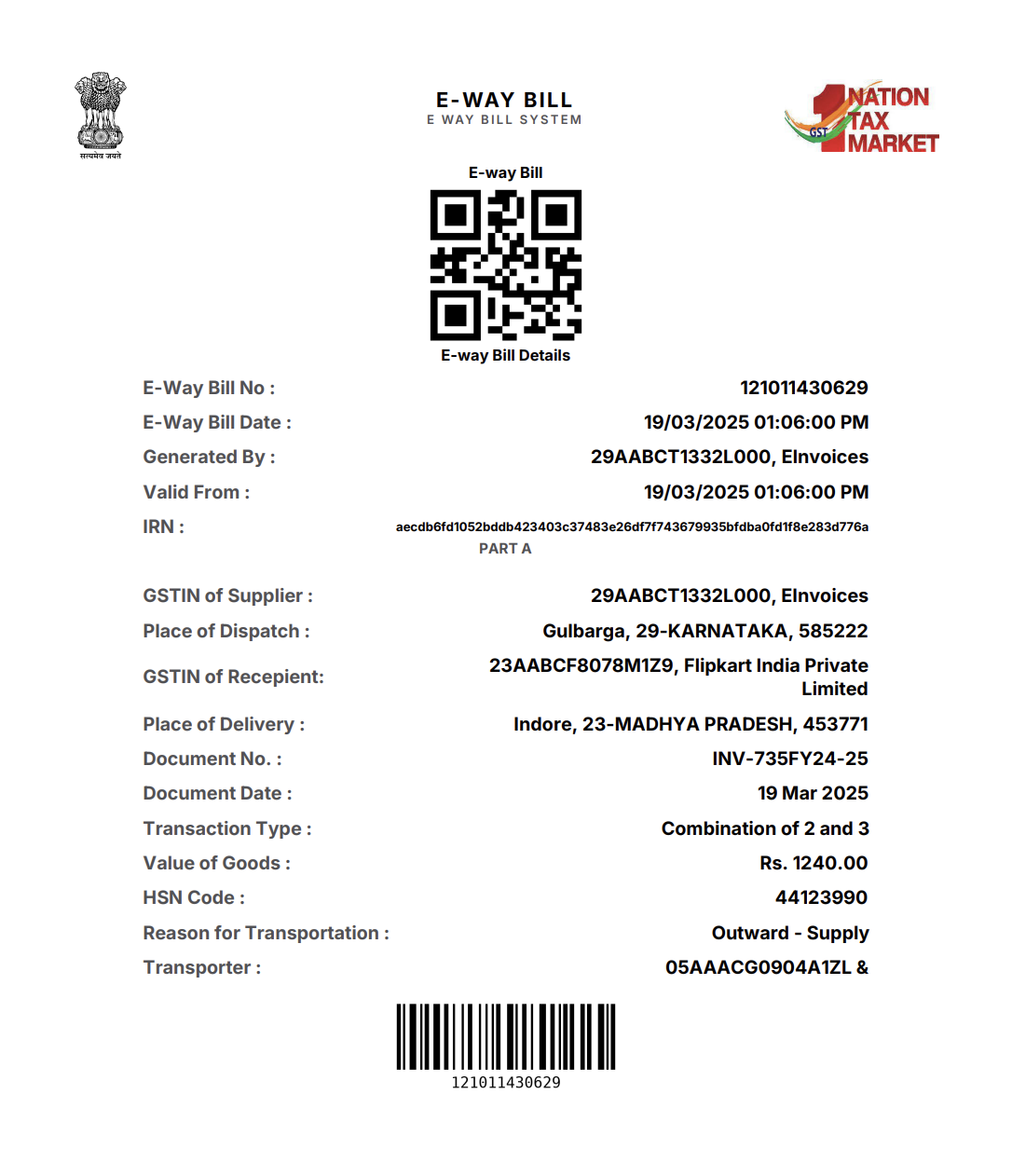
A generated e-way bill PDF
Endpoints
Create Eway Bill
Generate an e-way bill for a document.
Get EwayBill PDF
Download the e-way bill PDF.