

Record a payment
POST /v2/payment needs four things: the customer, an amount, a date, and a payment mode. Add a documents array to settle specific invoices by hash_id:
payment_mode— one ofCash,Cheque,UPI,Card,Net Banking,paylater,cardless_emi,EMI,TDS,Creditsdocuments— optional; each entry pairs a documenthash_idwith theamount_payingtoward it. Partial amounts are fine — the document’s payment status tracks what’s outstanding.send_sms/send_email— notify the customer about the recorded payment- Non-cash modes need a bank account configured on your Swipe account — otherwise the request fails with
MISSING_BANK_ACCOUNT
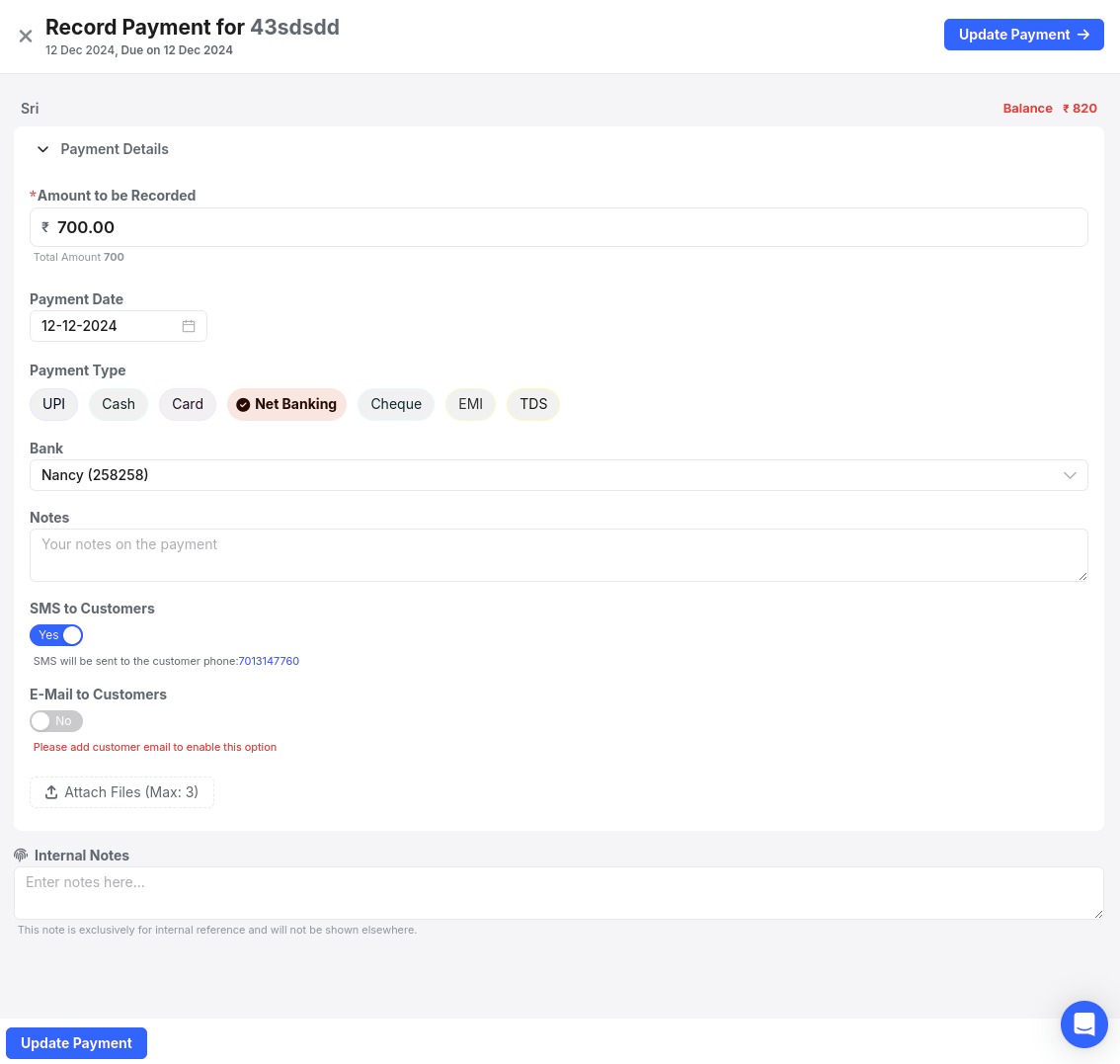
The same payment, recorded in the Swipe dashboard
Endpoints
Record payment
Record a payment and settle documents.
List of payments
List recorded payments over a date range.